
DXF Files for CNC Laser & Plasma Cutting: Free and Ready-to-Cut Designs
CUTCRAFTDXF • DXF BASICS
DXF Files for CNC Laser & Plasma Cutting
What a DXF file is, how to check it, and where to get free and ready-to-cut designs
If you cut metal on a CNC laser, plasma or waterjet table, you will work with DXF files every day. A good DXF cuts in one go. A bad one stops the machine with open contours, double lines and thousands of tiny segments.
This guide explains in plain words what a DXF file is, what makes a file "ready to cut", how to test it before you buy, and where you can get free DXF files to try on your own machine.
What is a DXF file?
DXF (Drawing Exchange Format) is a vector drawing format created by Autodesk for AutoCAD. Instead of pixels, it stores lines, arcs and curves with exact coordinates. That is why almost every CAD/CAM program and CNC controller can read it: the software follows the lines and turns them into a cutting path.
The standard for CNC cutting. Opens in AutoCAD, SheetCam, Lightburn, Fusion and most nesting software.
Also a vector format. Popular for laser engravers and design programs like Inkscape.
Only a picture. You cannot cut from it directly; it must be traced into vectors first.
What makes a DXF file ready to cut?
| Check | Why it matters |
|---|---|
| Closed contours | Every shape must be a closed loop, otherwise the machine cannot find where to start and stop. |
| No double lines | Overlapping lines make the torch or laser cut twice and burn the edge. |
| Smooth curves, few nodes | Thousands of tiny segments make the head stutter and leave a rough edge. |
| Bridges wide enough | Thin parts between holes burn away, especially on plasma and thick sheet. |
| Real scale | The drawing should be in mm or inches at real size, so you only need to check it, not redraw it. |
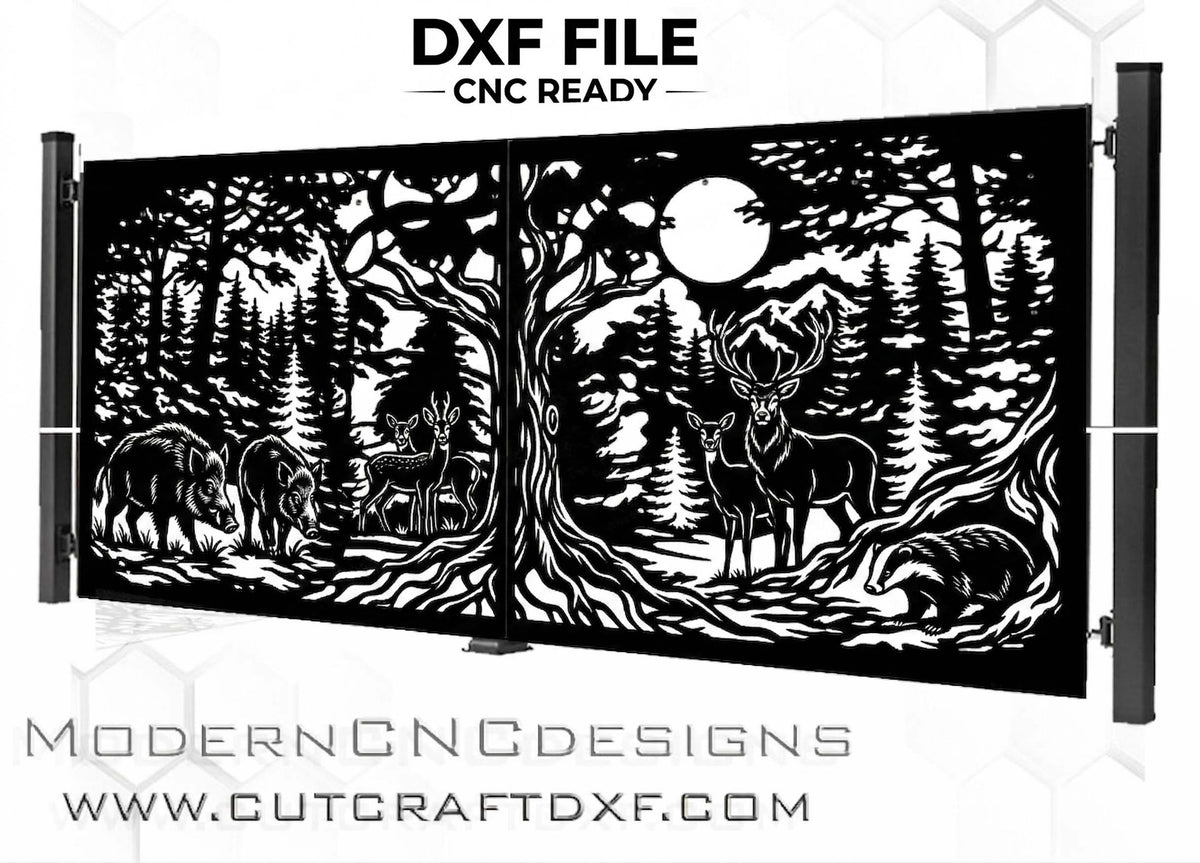
Free DXF files to test on your machine
The best way to check a designer's files is to cut one. In our free CNC DXF files collection you can download a full design at no cost and see the quality for yourself.
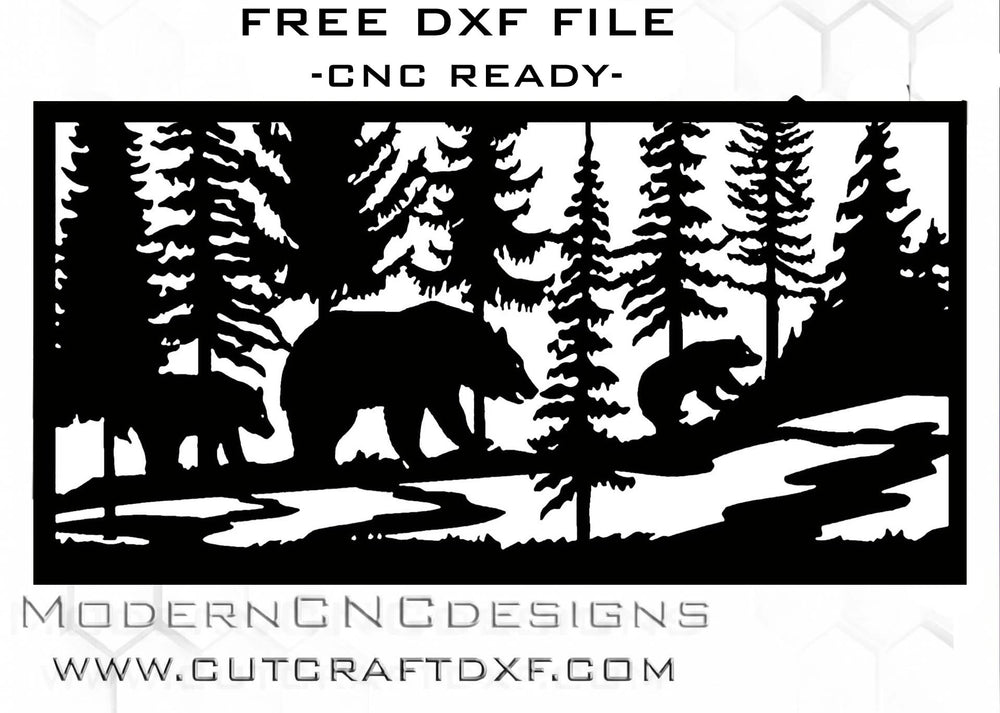
Be careful with random "free DXF" downloads from file-sharing sites. Many are auto-traced from photos, with broken contours, or are copies of someone else's work. A known source saves you machine time and material.
Ready-to-cut DXF designs
When you need a complete design for a gate, fence or balcony, a ready-to-cut file saves hours of drawing. Some of the most popular designs in our shop:
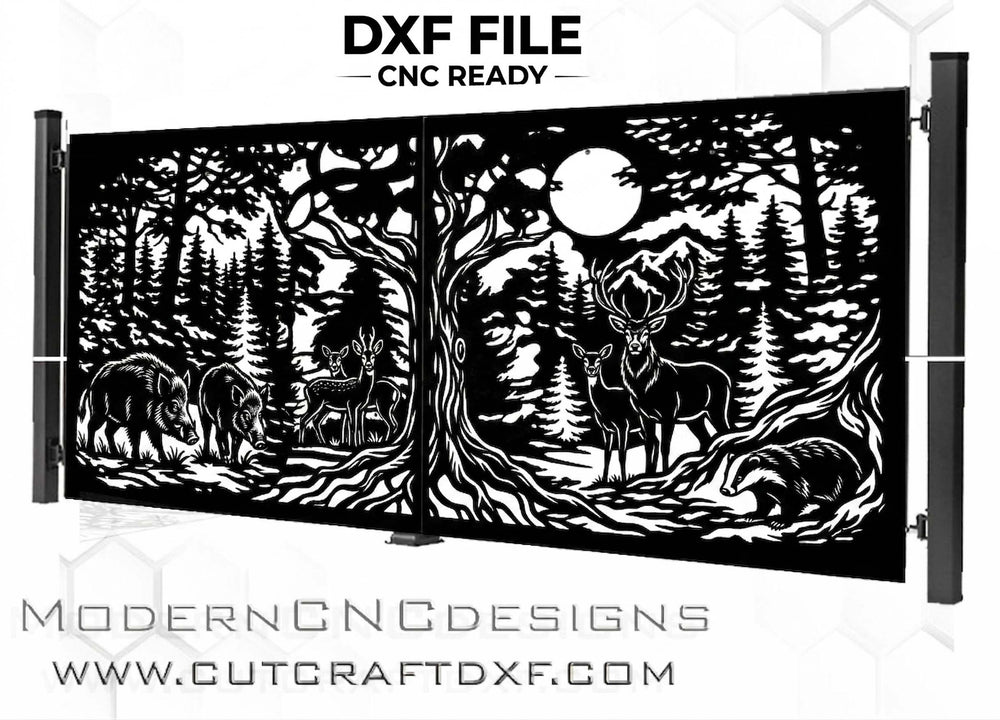
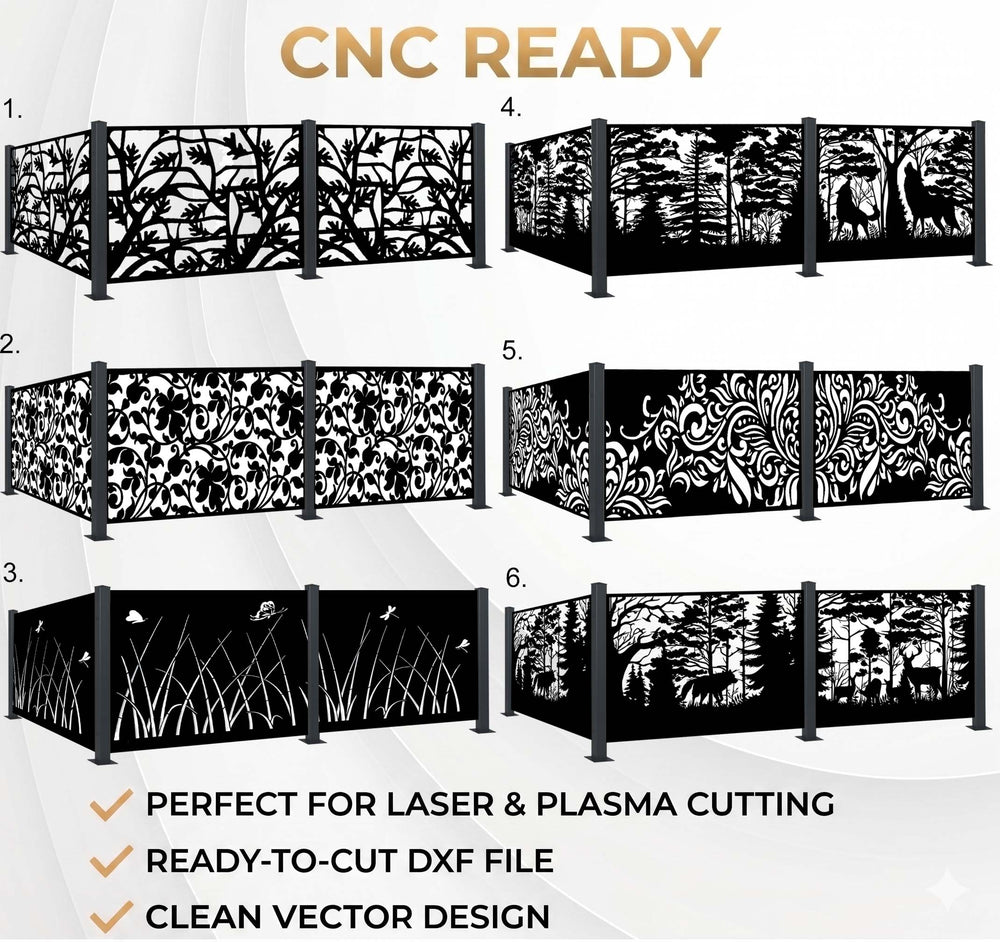
Browse all designs by type: sliding gates, swing gates, fence panels, balconies and heat pump covers.
How to open and cut a DXF file
1. Open the file in your CAD or CAM program and check the scale. 2. Set the material, thickness and kerf. 3. Nest the parts on your sheet. 4. Cut a small test, then the full panel. For a step-by-step walkthrough, see How to Cut DXF Files.
FAQ
What do I get with a free DXF file?
A complete, ready-to-cut design you can test on your own machine before you buy. If you have questions about using a file, just contact us.
Can I convert a picture into a DXF?
Yes, but auto-tracing usually gives messy contours. For a clean result the design should be drawn as vectors. We do this as part of a custom DXF design.
Which program opens DXF files?
AutoCAD, DraftSight, LibreCAD, Fusion, Inkscape, Lightburn, SheetCam and most CNC nesting software.
Do your files work for plasma and waterjet too?
Yes. All designs are vector files for laser, plasma and waterjet. On plasma, check that the finest bridges suit your sheet thickness.
Try a free DXF file
Download a free design and test it on your machine, or browse ready-to-cut gates and panels.
Get free DXF files → Custom DXF design